Anything, from anywhere, in two taps

Save now.
Find later.

Your messy pile of links, screenshots and ideas, sorted into a wallet of colorful spaces you'll actually open again.

Download on the App StoreiPhone · iPad · Mac
ToMe home screen showing a wallet of colorful spaces
How it works

Three taps. That's the whole app.

01

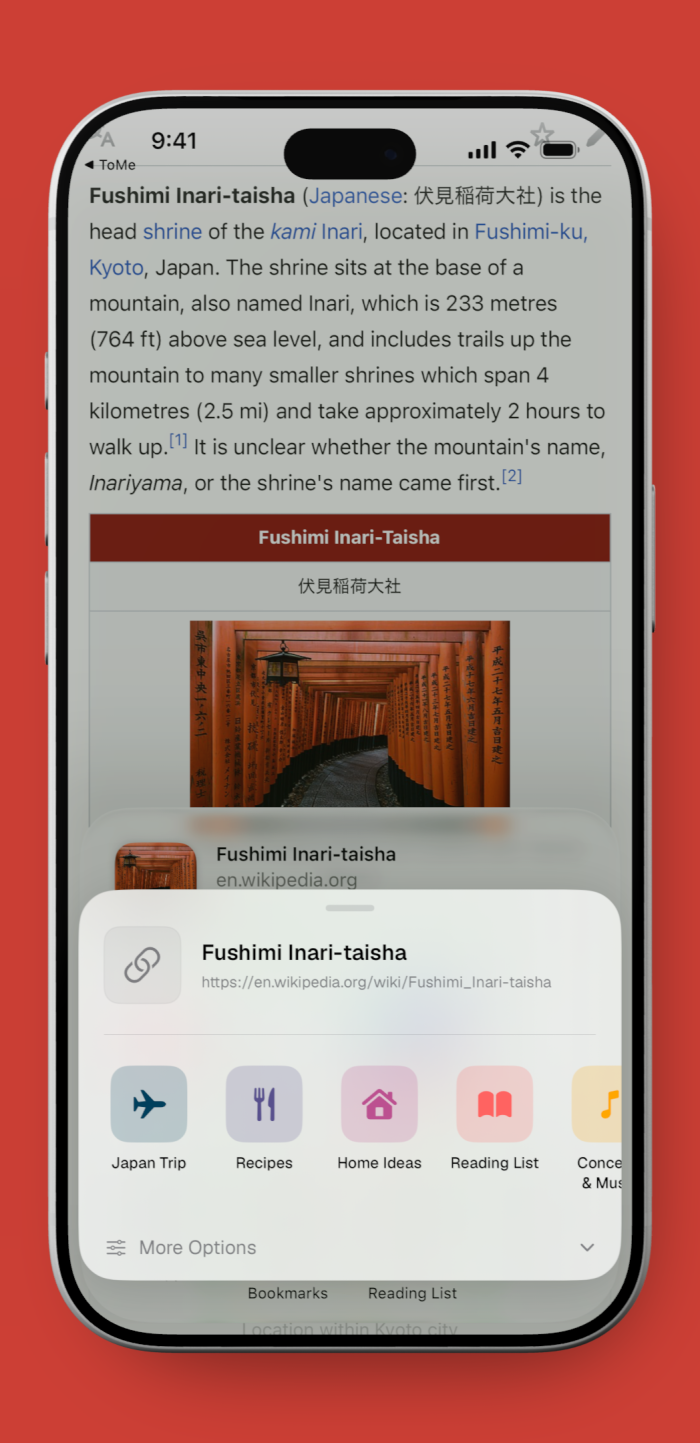
Share it

Hit Share in any app (Safari, Photos, Maps, Notes) and pick ToMe. Two taps, anything in.

02

File it

Drop it into the right space, with an optional section and a tag or two. That's it.

03

Find it later

Fuzzy search, tags, and system-wide Spotlight surface it when you need it.

Save anything

If you can share it, you can save it.

It all starts from the iOS Share sheet, so ToMe works in every app, no copy-paste, no switching.

Links
Articles, repos, X posts
Images
Screenshots & designs
Photos
Straight from the camera roll
Notes
Quick thoughts & lists
Voice memos
Talk it out, on the go
Locations
Places to go, pinned
Files & PDFs
Documents of any kind
…and whatever
comes next.
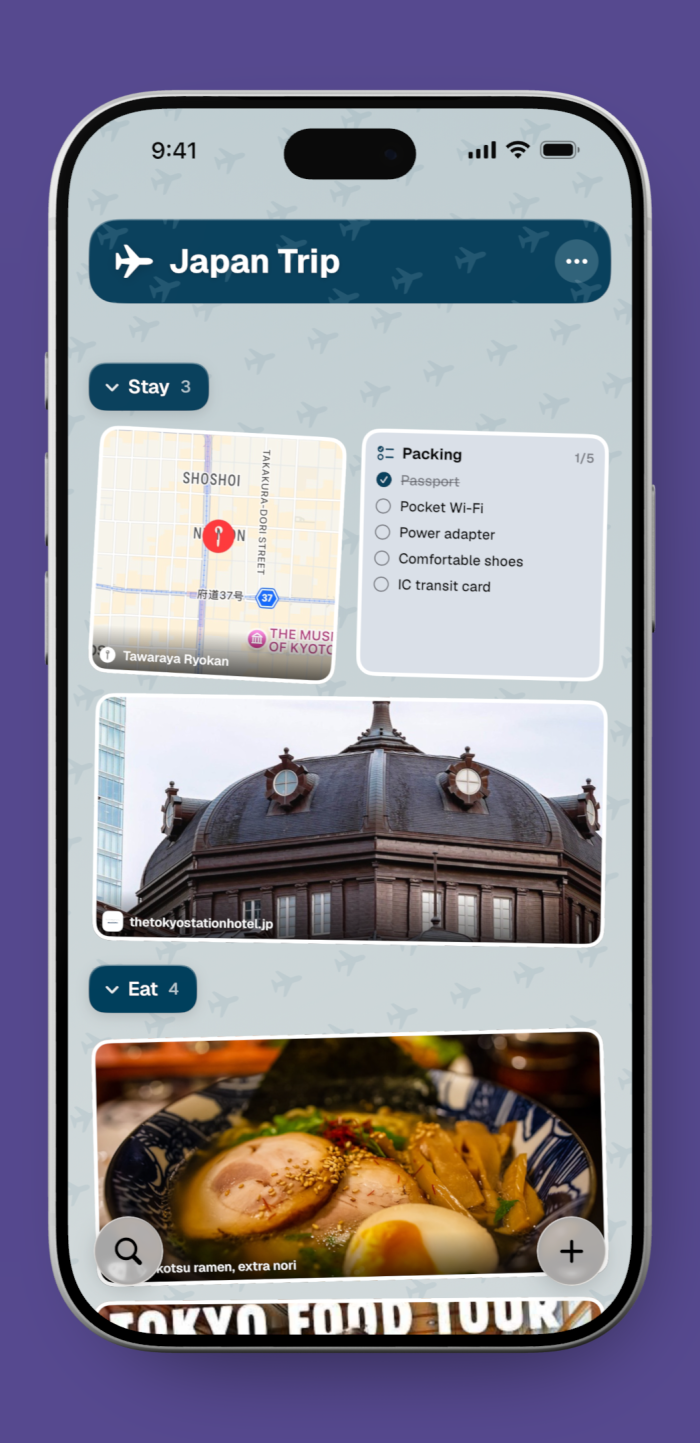
A ToMe space showing saved items grouped with tags and sections
Organize, your way

Structure that stays out of the way.

Spaces

A vivid card for each space, your whole wallet of stuff, color-coded at a glance.

SectionsPRO

Group items inside a space: Active, On Hold, Done, in whatever order helps.

Tags

Cross-cut everything with quick tags, then filter a space down in a tap.

View it your way

Look however you like.

ToMe space shown in Compact view
Compact

Tight rows for a quick scan.

ToMe space shown in Grid view
Grid

Two-column rich preview cards.

ToMe space shown in Large view
Large

Big previews to sink into.

Find it fast

Find it the second you need it.

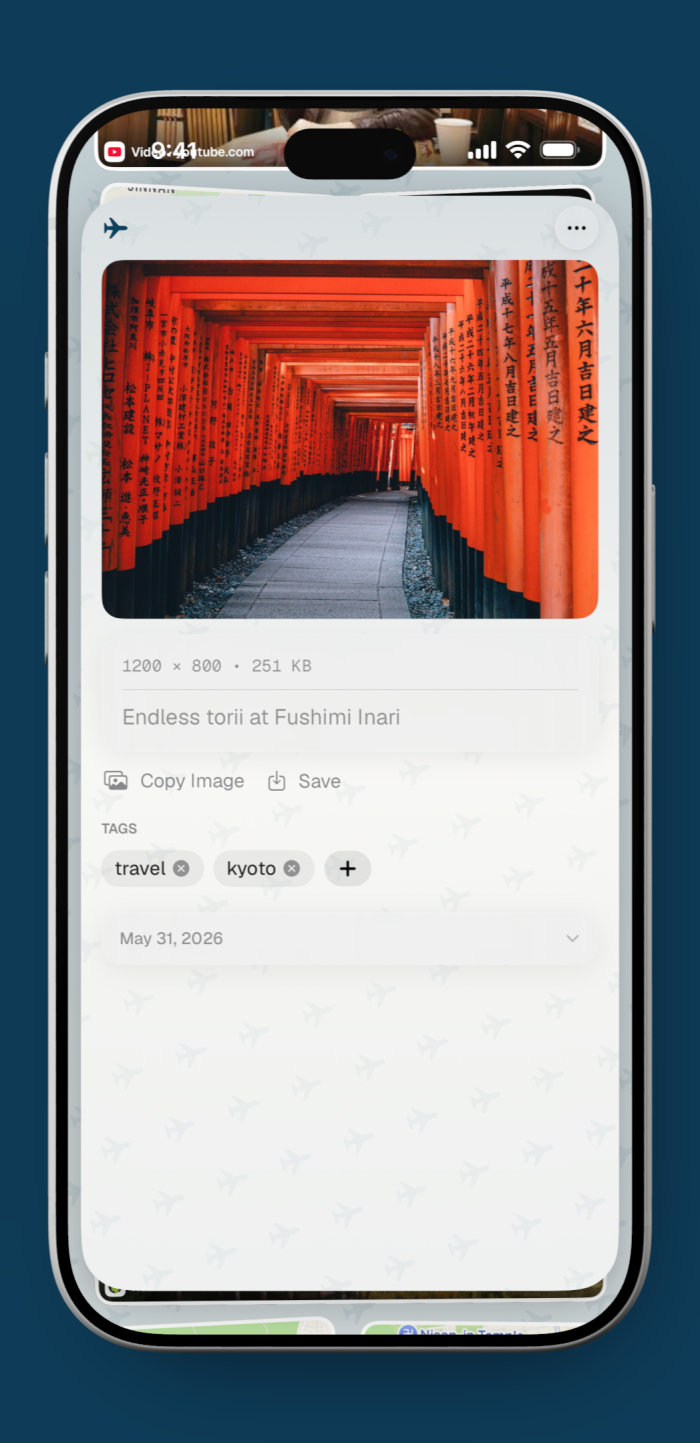
Rich link previews keep the context, so you remember why it mattered, not just that you saved it.

Fuzzy search
Type a fragment, get the thing.
Tags
Filter any space in a tap.
Spotlight
Search ToMe from your home screen.
Widgets
Latest saves, one glance away.
A saved link opened in ToMe's reader with its rich preview
Across your devices

One library, everywhere you are.

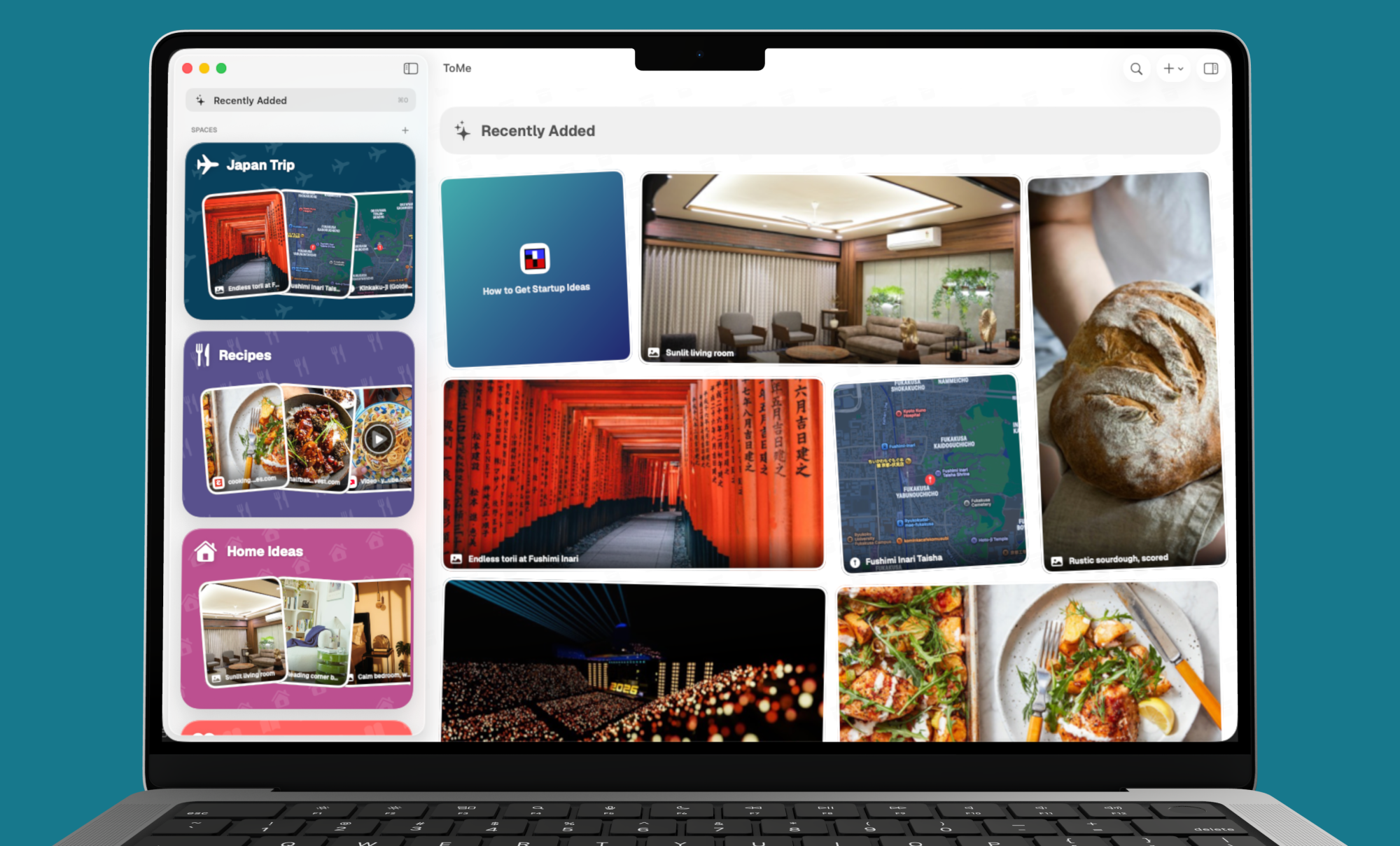
Save on your phone, find it on your Mac. Everything syncs privately over iCloud across iPhone, iPad and Mac. Same spaces, same order, instantly.

Synced through your iCloud · no extra account
ToMe running on iPhone, iPad and Mac, synced over iCloud
More when you need it

Grows with you.

Shared spaces

Open a space up to family or a teammate. Everyone adds, everyone sees it, synced privately over iCloud.

Pro

On-device AI

Smart tags and short summaries, generated right on your iPhone. Nothing leaves the device.

iOS 26 · Private
Pricing

Free to start. Pro when you want more.

Free
$0
Everything you need to start saving.
Up to 3 spaces
Unlimited items & tags
All three view modes
Fuzzy search & Spotlight
Download free
ProBEST VALUE
$17.49/ year
Save 58% · about $1.46/mo
Everything in Free
Unlimited spaces
Sections inside spaces
Shared spaces (iCloud)
On-device AI tags & summaries
Start free trial

No dark patterns. Cancel anytime. Prices shown in USD; the actual price varies by country and currency.

FAQ

Good questions.

ToMe is a personal store for the things you want to find later. Share anything from any app into a colorful space, add a tag or section, and it’s organized and searchable. Your note-to-self, finally tidy.

Yes. The free tier covers the essentials: save unlimited items with tags across up to three spaces, all three view modes, and full search. Pro unlocks unlimited spaces, sections, shared spaces and on-device AI, and starts with a 7-day free trial, billed monthly, annually, or once as a lifetime purchase.

Those are one big pile, where things go in and never come back out. ToMe gives that habit structure: fast capture from the share sheet, the right space, and reliable retrieval so you actually find things again.

If an app has a Share button, ToMe is in the share sheet: Safari, Photos, Maps, Notes, your podcast app, anything. Links, images, photos, notes, voice memos, locations and files all come straight in.

Yes. Your spaces sync privately over iCloud across iPhone, iPad and Mac. Shared spaces let other people you invite add to a space too.

Your library is yours. Sync runs through your own iCloud, and the AI smart tags and summaries are generated on-device on iOS 26, so nothing is sent to a server.

Stop losing what you save.

The place for the things you'll want later. Free on the App Store.

Download on the App Store